The Binclusive MCP server is live as of today.
Binclusive is a platform that audits your digital assets for accessibility; not just websites, but mobile apps, PDF content, and videos too. We scan an asset, turn the accessibility violations we find into tickets, put those tickets into a flow your team can prioritize and resolve, and help you generate alt text and long descriptions for your content. The process from auditing to fixing stays in one place.
One of Binclusive's strengths is that it doesn't tie accessibility testing to a single interface. We can bring the tests to whatever environment you need them in. The MCP server we're announcing today is part of that.
Most accessibility tools scan your asset, hand you a list of errors, and leave the rest to you. You fill in the steps between finding a problem and fixing it: taking the report, turning it into a ticket in another tool, then writing alt text somewhere else. Binclusive keeps those three jobs (auditing, ticket management, and content descriptions) in a single flow, and doesn't limit that flow to one type of asset.
Until now, all of this meant opening the Binclusive interface. You'd leave the editor or chat assistant you were working in, open a browser tab, do your work there, and come back. The MCP server removes that step.
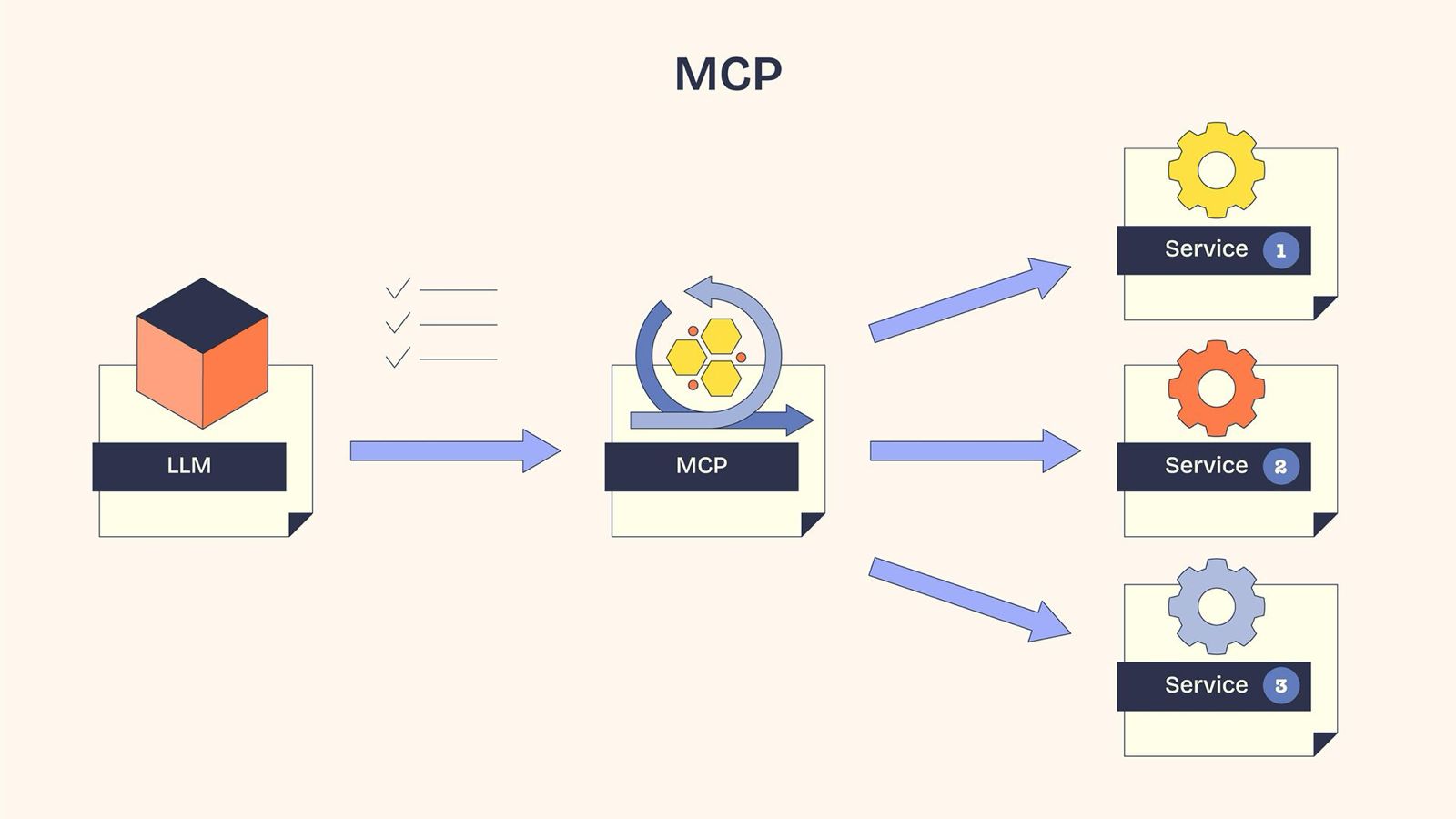
MCP (Model Context Protocol) is an open protocol that lets AI assistants talk to external tools in a secure, standardized way. Through it, the Binclusive MCP server gives you read and write access to your workspace. To audit your pages, manage your tickets, or generate content descriptions, you just tell your assistant in plain language from any MCP-compatible client.
The server endpoint:
https://mcp.binclusive.io/mcp
Authentication runs through OAuth 2.1; the first request opens a sign-in window in your browser. The server authenticates you with your Binclusive account and scopes every request to your own organizations and projects. You can revoke access any time from your account settings.
If you use Claude Code, run this command in your terminal to connect:
claude mcp add --transport http binclusive https://mcp.binclusive.io/mcp
Add --scope user to make the server available across all your projects. After the config reloads, your assistant prompts you to sign in with your Binclusive account. Besides Claude Code, the server works with Claude Desktop, Cursor, Windsurf, VS Code, and Zed.
We've grouped the tools the server exposes into four areas. Take a look at the tabs below.
Projects & Assets
Your assistant can list your projects, look into individual assets (web pages, mobile apps, PDFs, videos), and see how much of each one has been audited. You can ask something like "Which assets in my project were audited, and what's still missing?" right in the chat.
Audits
You don't need to go into a panel and click a button to start an audit; you just tell your assistant. The audit starts and the results stream back into your chat.
Violation Tickets
You can manage violation tickets from your audits without leaving your editor. Prioritizing, assigning, and resolving all happen through your assistant.
Content Descriptions
You can generate alt text and long descriptions for your images when you need them, and review what comes back.
To get started, add the server to your client, sign in with your Binclusive account, and give your assistant its first command. We'd love your feedback.