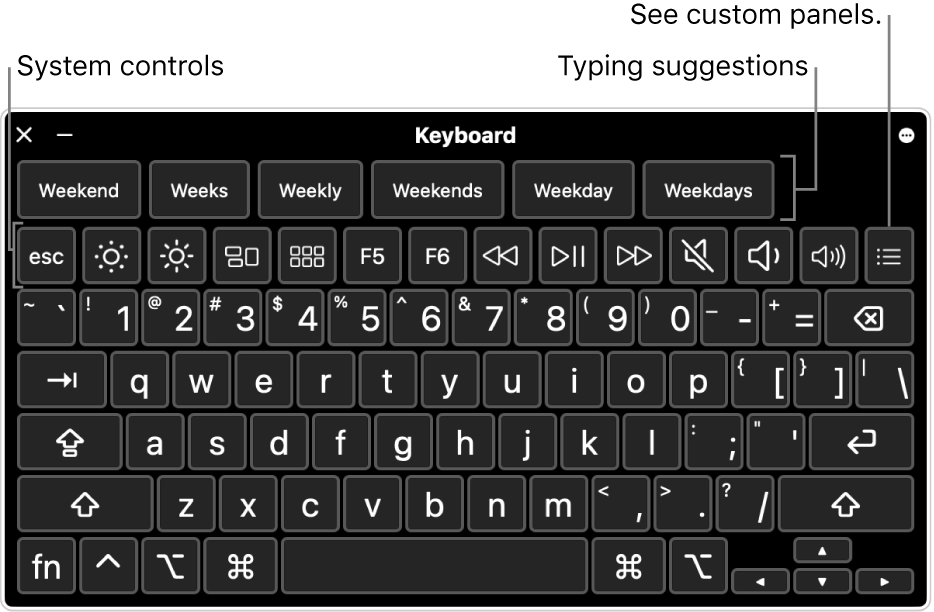
In this content, prepared under the guidance of the "Accessibility Checklist for Websites and Mobile Applications," we examine keyboard accessibility, the fundamental cornerstone of digital inclusivity.
What is Keyboard Accessibility?
Keyboard accessibility is the ability to fully manage a website, application, or digital platform using only keyboard commands, without any need for a mouse.
This method covers:
- Selecting Interactive Elements: The ability to select all interactive elements (buttons, links, forms) on the page.
- Logical Navigation Sequence: A navigation sequence that follows a logical hierarchy.
- Control of Complex Components: The control of complex components (menus, video players) via keyboard keys.
The primary goal is to ensure full accessibility for users who cannot use a mouse or those who prefer screen readers, thereby protecting their freedom of movement in the digital world.
Who Needs Keyboard Accessibility?
Visually impaired users require this system because screen reader technologies operate through keyboard commands by nature. Additionally, individuals with motor impairments, muscle disorders, or those experiencing temporary injuries (e.g., a broken arm) that prevent mouse usage rely on keyboard accessibility to experience content independently.
How Should Correct Keyboard Accessibility Be Implemented?
When designing for proper keyboard accessibility, the following strategies should be implemented:
- Focus Indicator: Users navigating via keyboard must be able to clearly identify which element they are currently on through a visible frame or highlight.
- Logical Focus Order: Navigation using the "Tab" key must follow the visual hierarchy (from left to right, top to bottom).
- Avoiding Keyboard Traps: Once a user enters an area (such as a modal or dialog box), they should not be trapped; they must be able to exit easily using only the keyboard (e.g., via the Esc or Tab keys).
Examples of Correct Keyboard Experience
User experience is not just about an element being "clickable," but rather being "manageable":
Incorrect: A menu item can be selected via keyboard, but the sub-menu only opens when a mouse hovers over it.
Correct: When a user navigates to the menu and presses "Enter" or the "Down Arrow," the sub-menu opens, making the content accessible.
The Importance and Necessity of Keyboard Accessibility
Providing keyboard accessibility is not merely a technical standard; it is a fundamental right of access that enables all users, particularly those with visual impairments, to reach information independently.
Legal Standards: The Accessibility Checklist for Websites and Mobile Applications (opens in new tab) (opens in new tab) defined by the Ministry of Family and Social Services in Turkey sets keyboard compatibility as a legal standard.
WCAG Compliance: In the global Web Content Accessibility Guidelines (WCAG) (opens in new tab), keyboard accessibility is a "Level A" criterion. A platform cannot be considered accessible without meeting this requirement.
Keyboard Accessibility with Binclusive
Binclusive checks keyboard accessibility through automatic and manual tests with web accessibility solutions. Our AI-powered tests detect keyboard navigation issues and provide solution recommendations. By integrating into your development process, we ensure that every new feature is keyboard accessible from the start.